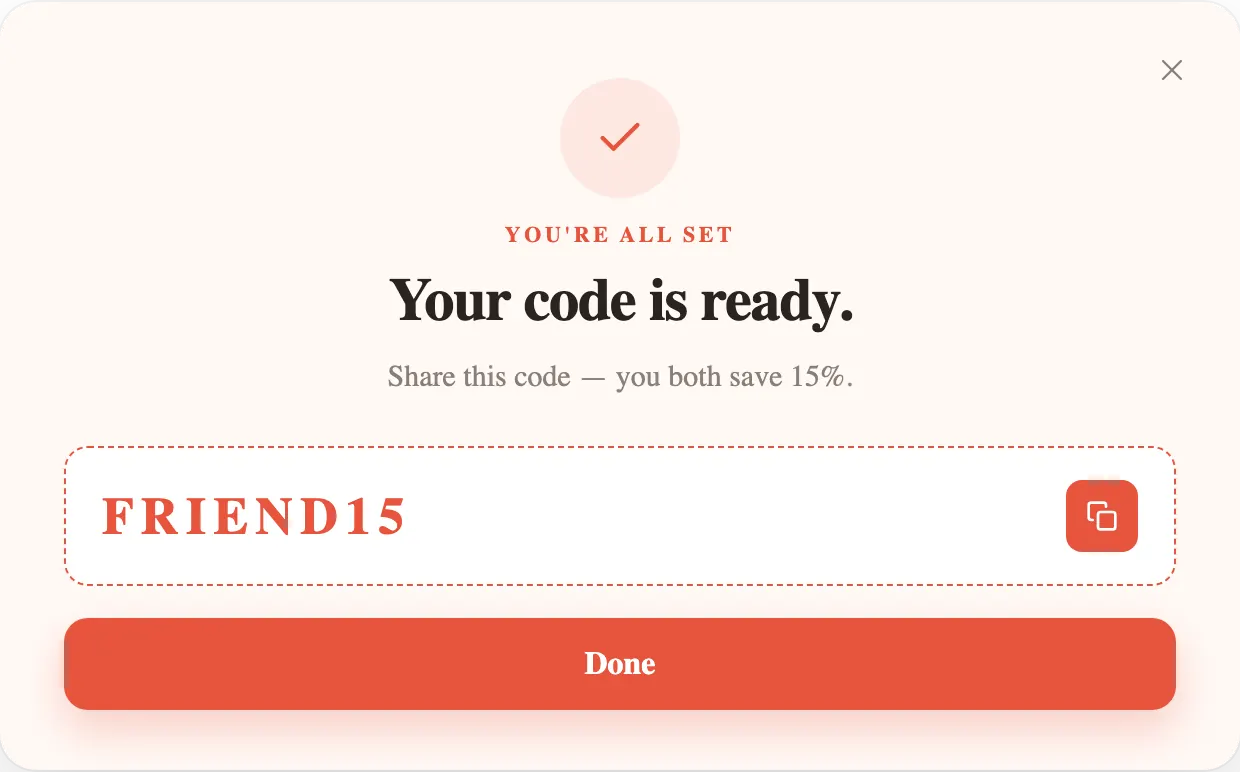
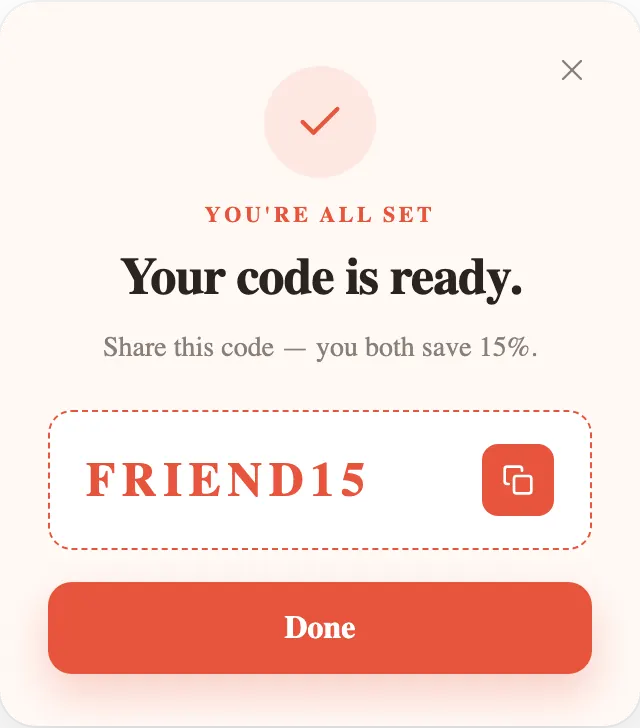
Two kinds of discount popup
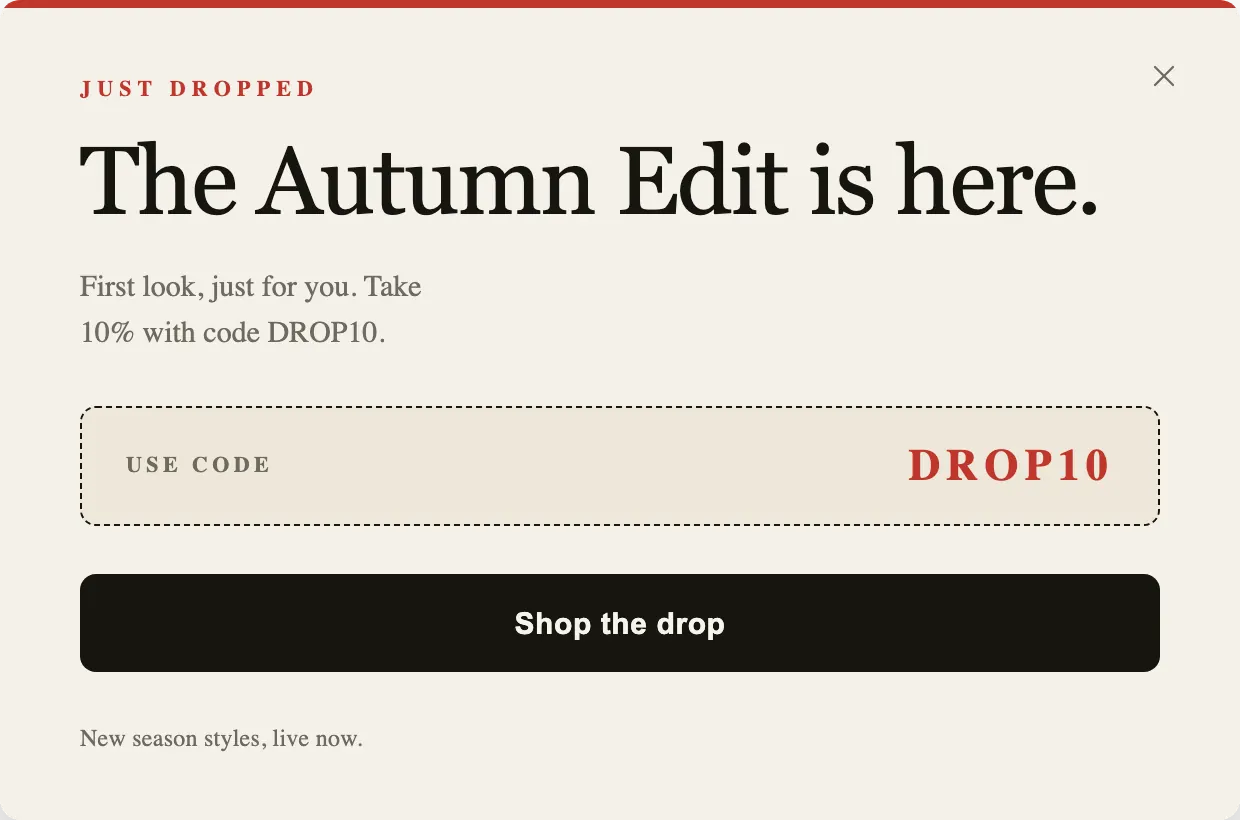
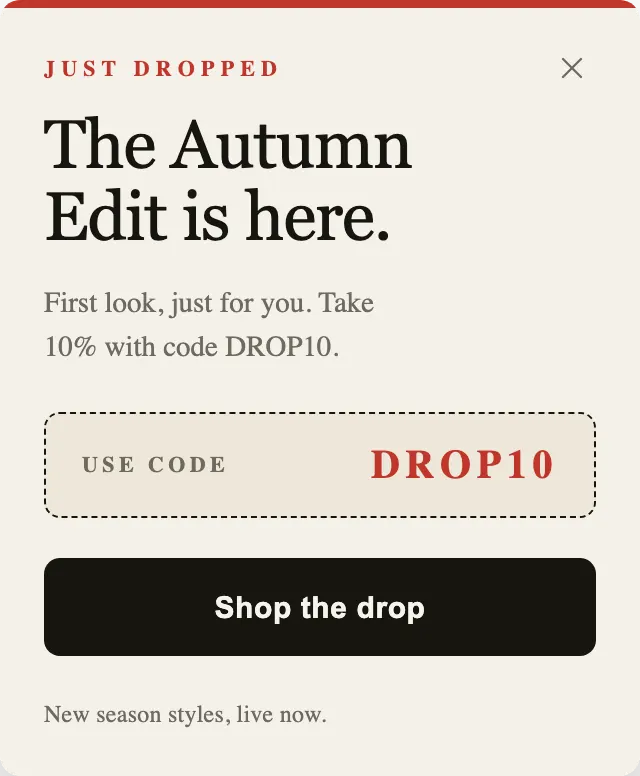
A discount popup either shows the code to everyone or trades it for something, usually an email address. The Drop shows it: DROP10 is printed on the popup, and the only button goes to the collection. The other four ask first and reveal the code on the next step.
Showing it costs the visitor nothing and suits an announcement, a sale or a launch, where the point is to spread the code. Trading it suits a welcome offer, where the point is to start a relationship. Decide which one you are running before you pick a template, because the copy differs: a shown code says “take it”, a traded code says “here is what you get for signing up”.
Design the reveal, not only the form
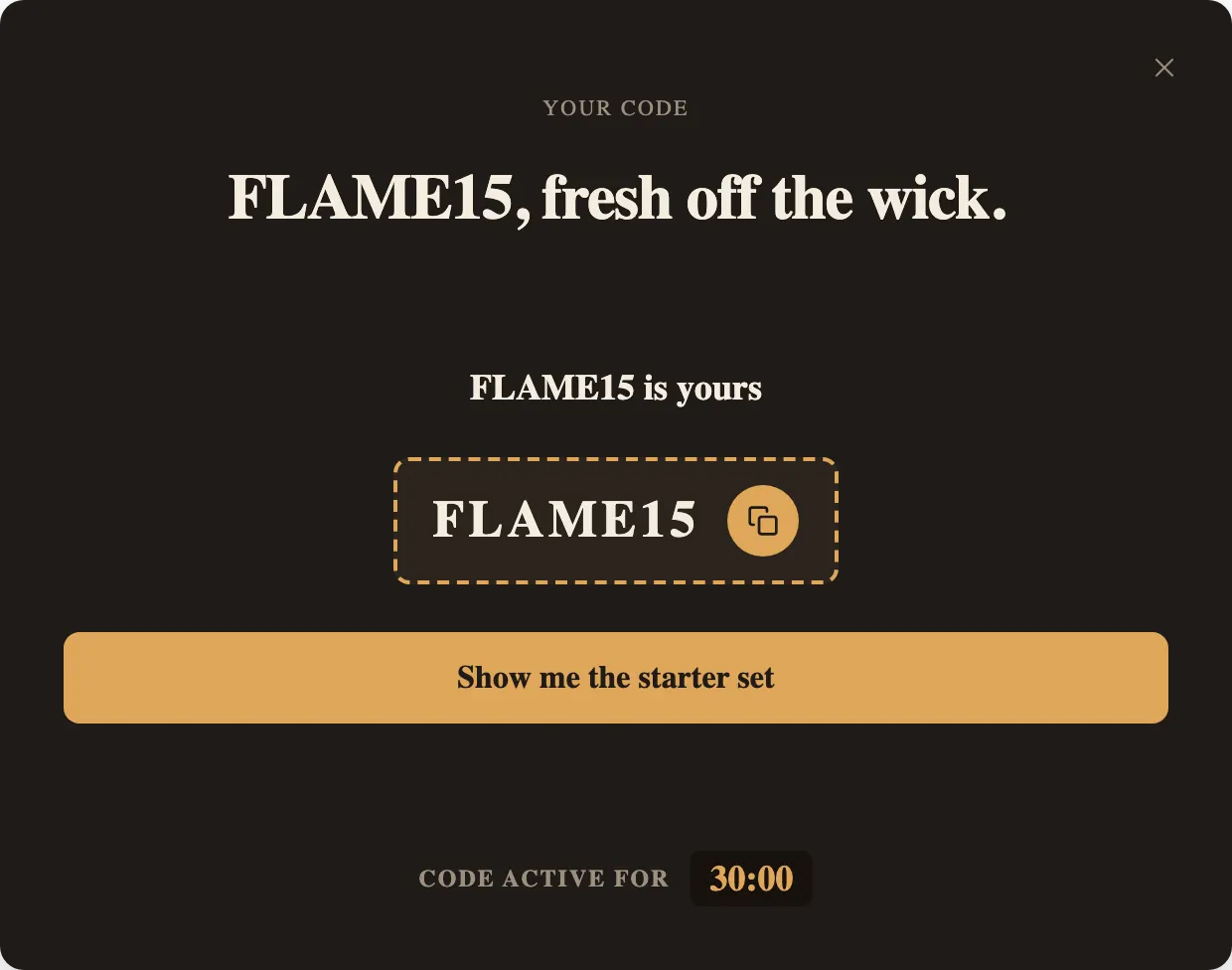
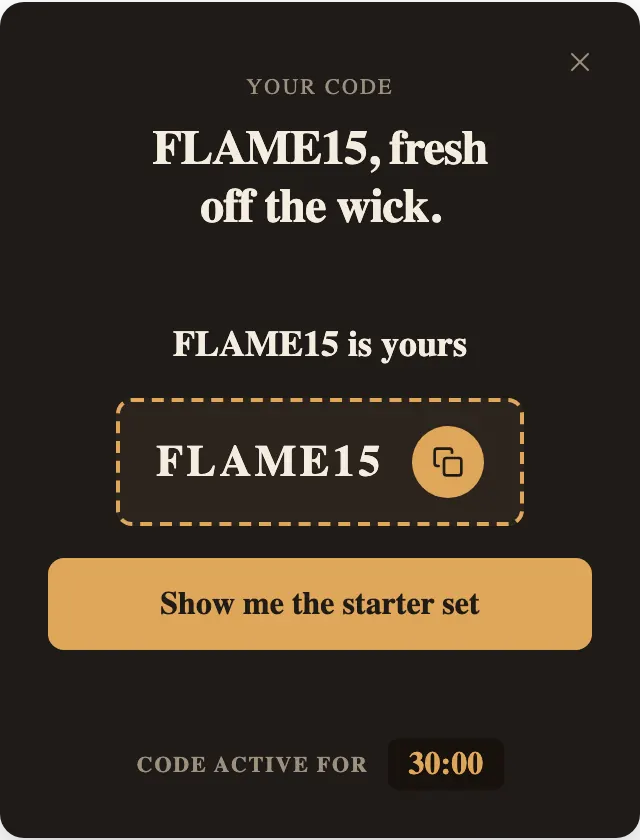
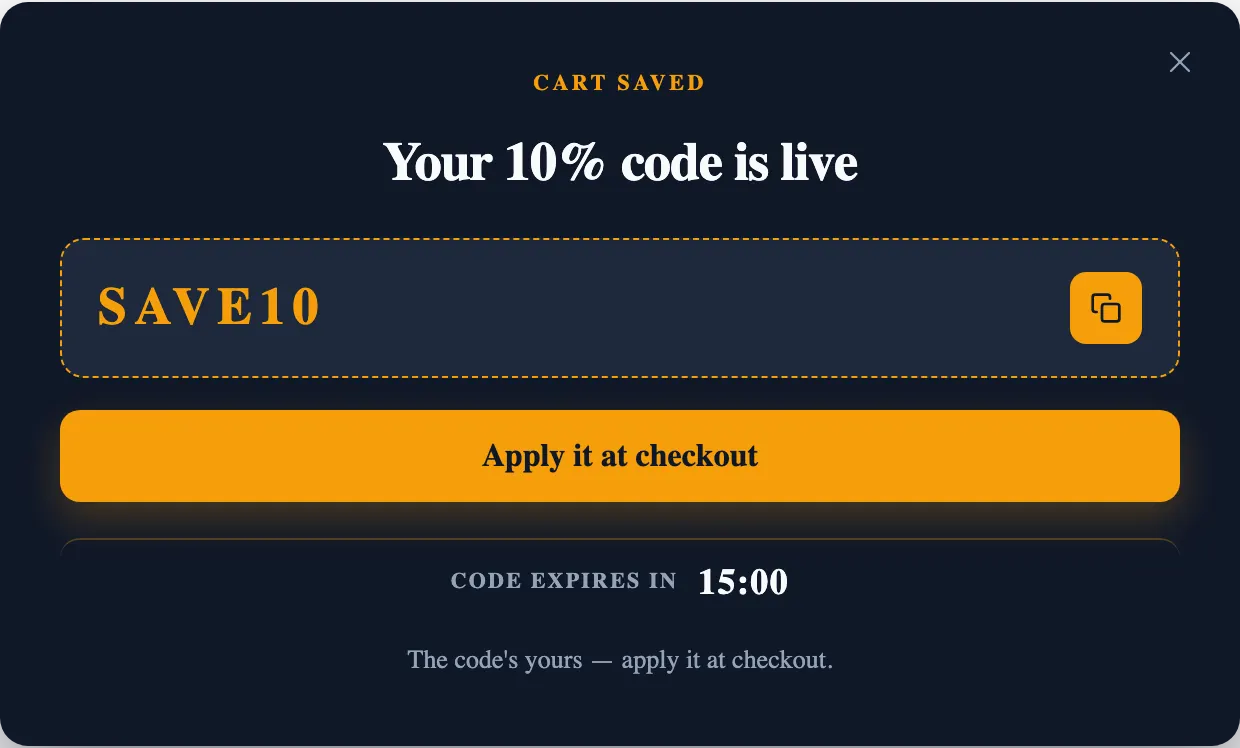
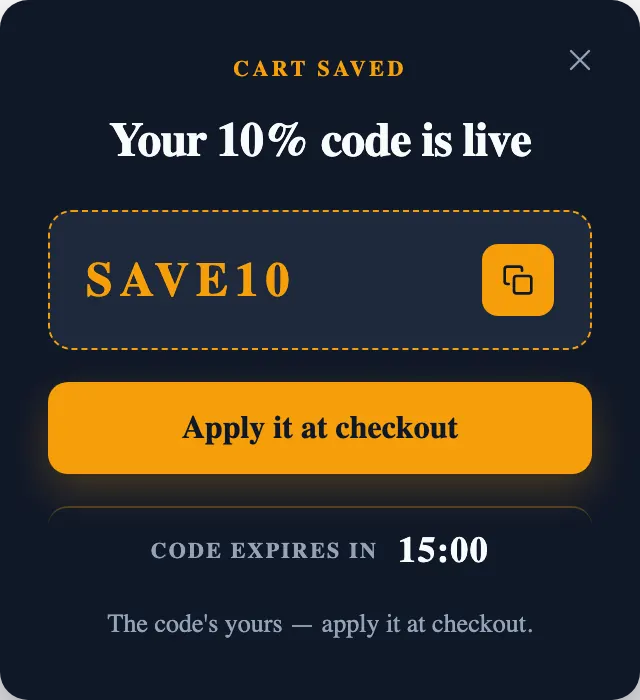
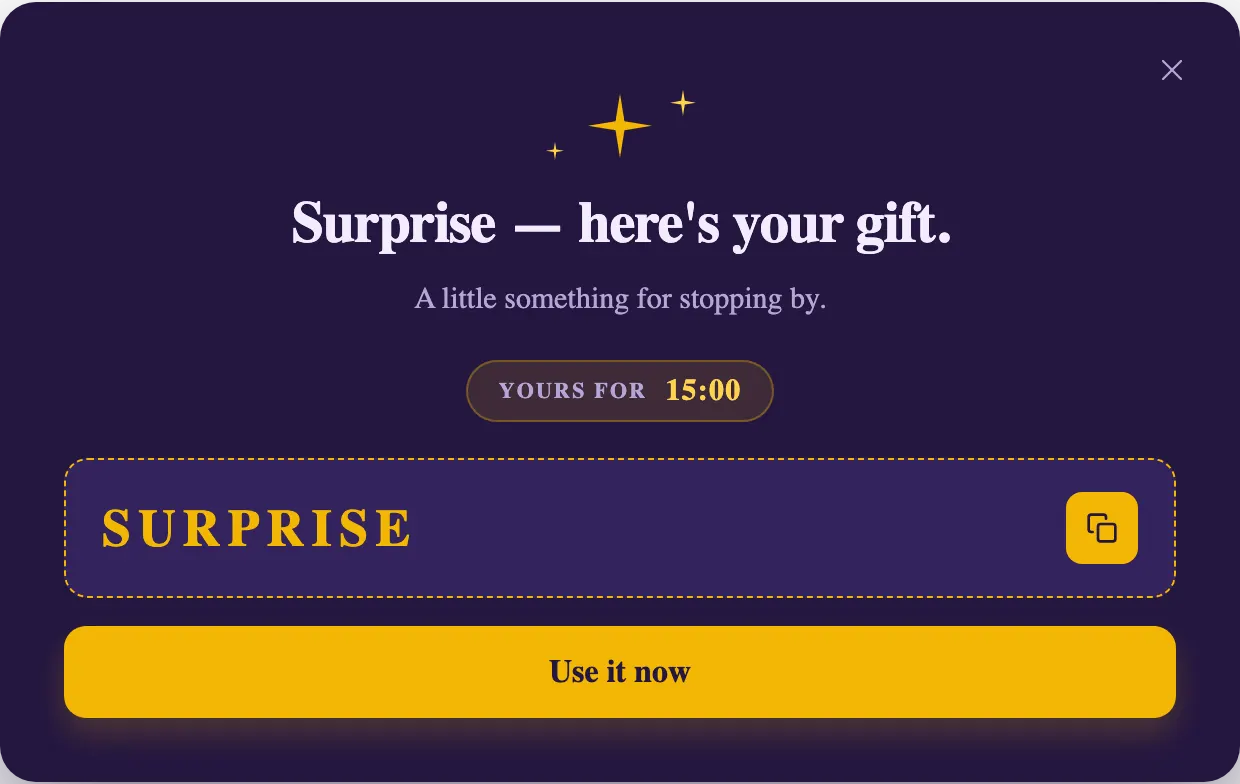
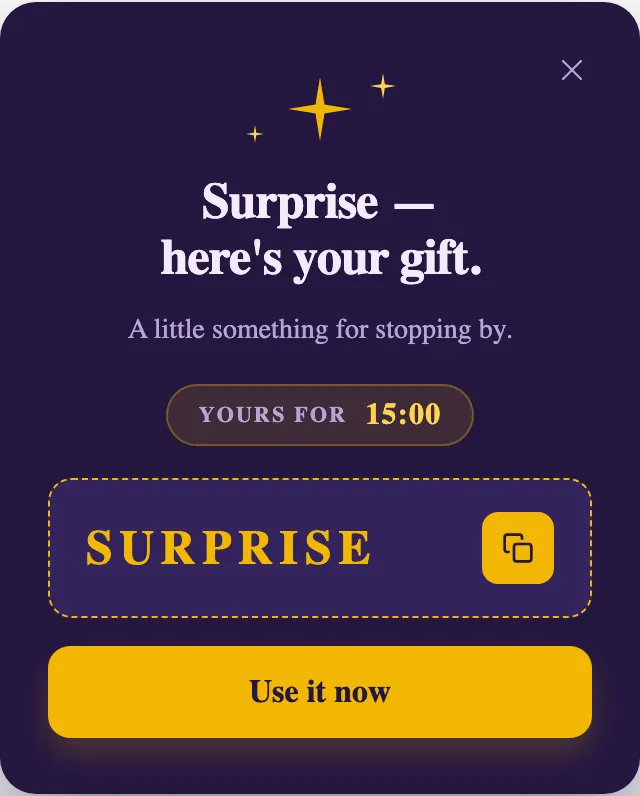
The step after signup is where the code has to be used, and the examples above treat it as its own design. The code is the largest thing on the step. It sits in a dashed box that reads as a coupon. A copy button is next to it, because typing a code from memory at checkout is where codes get lost. And there is one button onward: “Use it now”, “Apply it at checkout”, “Show me the starter set”.
That copy button is built in: the lead form shows your code with it after every signup. On the Free plan, which shows one step, the code replaces the form in the same step; paid plans show it as a separate step like the pictures here.
Say what the code is worth
A percentage in the headline is easier to judge than an adjective. “Your 10% code is live” beats “A special offer for you”. Then answer the questions a careful shopper has before they bother:
- What it applies to: the first order, the whole order, one collection.
- How long it lasts, if it expires at all.
- Whether it stacks with a sale that is already running.
- Where to use it: “paste it at checkout” is enough.
Clocks only for real limits
Three of these reveals carry a countdown: First Flame’s “Code active for 30:00”, Cart Rescue Code’s “Code expires in 15:00”, and Mystery Gift’s 15-minute “Yours for”. A clock is honest when the code really stops working; when it does not, it teaches visitors to ignore every clock you show. Match the duration under Countdown timer to the code’s real limit, or remove the timer. With the default timer type, each visitor gets their own clock that holds across page loads; when it reaches zero, the popup closes and does not come back.
The code itself
PopupGenius does not generate discount codes and never touches your discount settings. Create the code where your shop handles discounts, then paste it into the popup. In the Shopify app the code is checked against your Shopify discounts when you publish; on a website it is not checked, so test it once at your own checkout before launch.
One code is shown to everyone who signs up, so set its limits in your shop: one use per customer for a welcome code, unlimited for a referral code that is meant to travel.
When it opens
Every built-in template opens on a timer 5 seconds after the page loads. First Flame and Cart Rescue Code also open on exit intent. A code popup that appears the second a page opens interrupts a visitor who has not seen a product yet, so consider a longer delay, or exit intent and scroll on their own. Set it on the Trigger card in the Workflow tab, and turn on “Show once per visit” so one visitor sees the offer once.