How exit intent decides the moment
An exit-intent popup opens when the mouse pointer leaves the page through the top edge, within 10 pixels of it: the move toward the tab bar, the address bar or the back button. It fires at most once per page view, and only when no other popup is open.
Because it reads the pointer, it needs a mouse. A phone has none, so exit intent never fires there. Every template on this page also opens on a timer 5 seconds after the page loads, which is what makes it show up on phones and right after you apply it. If you want a strict exit popup on desktop, untick Timer on the Trigger card in the Workflow tab; if you want phone visitors to see it too, keep the timer, or a scroll trigger, switched on beside exit intent.
Design for someone who has already decided
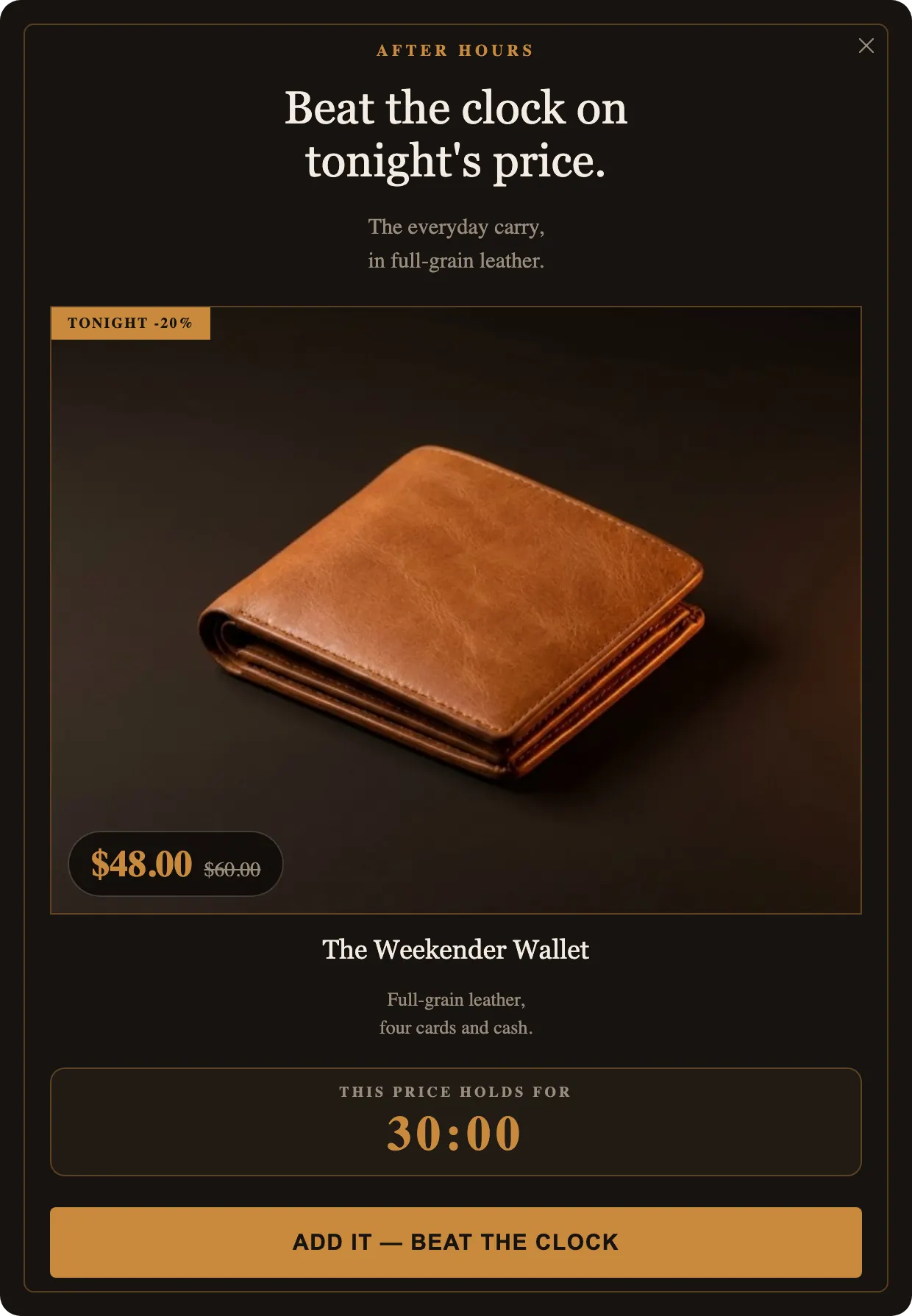
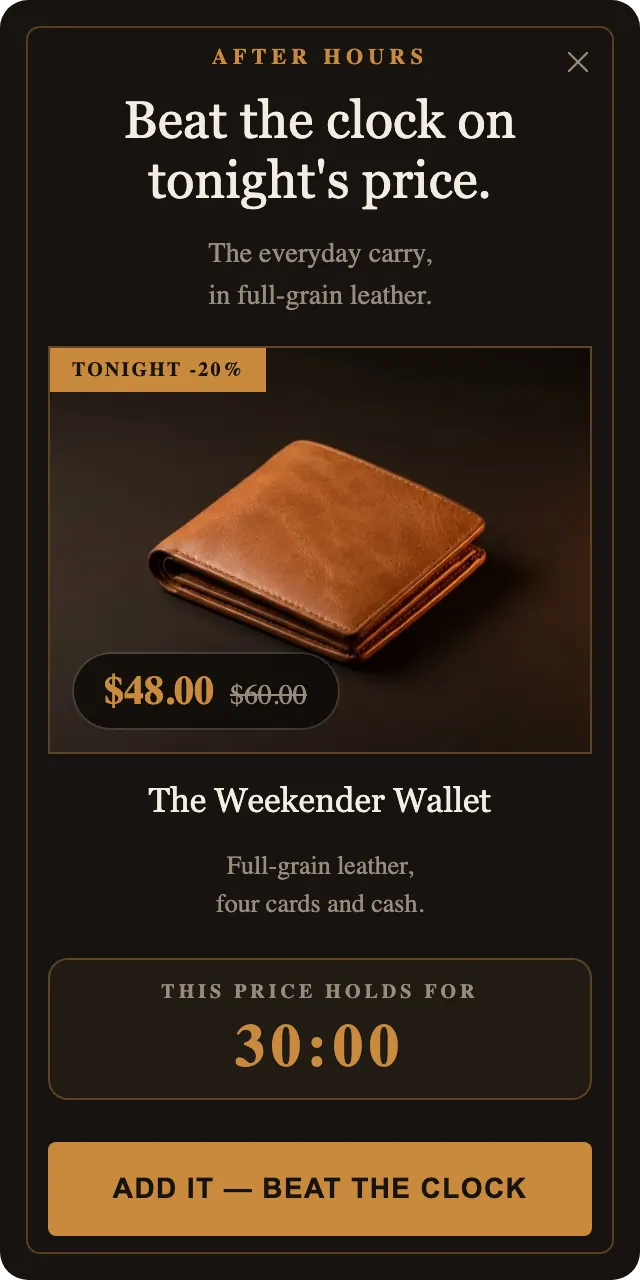
The visitor is mid-gesture. They have decided to go, and the popup has a second to change that. The examples above share three traits that respect that.
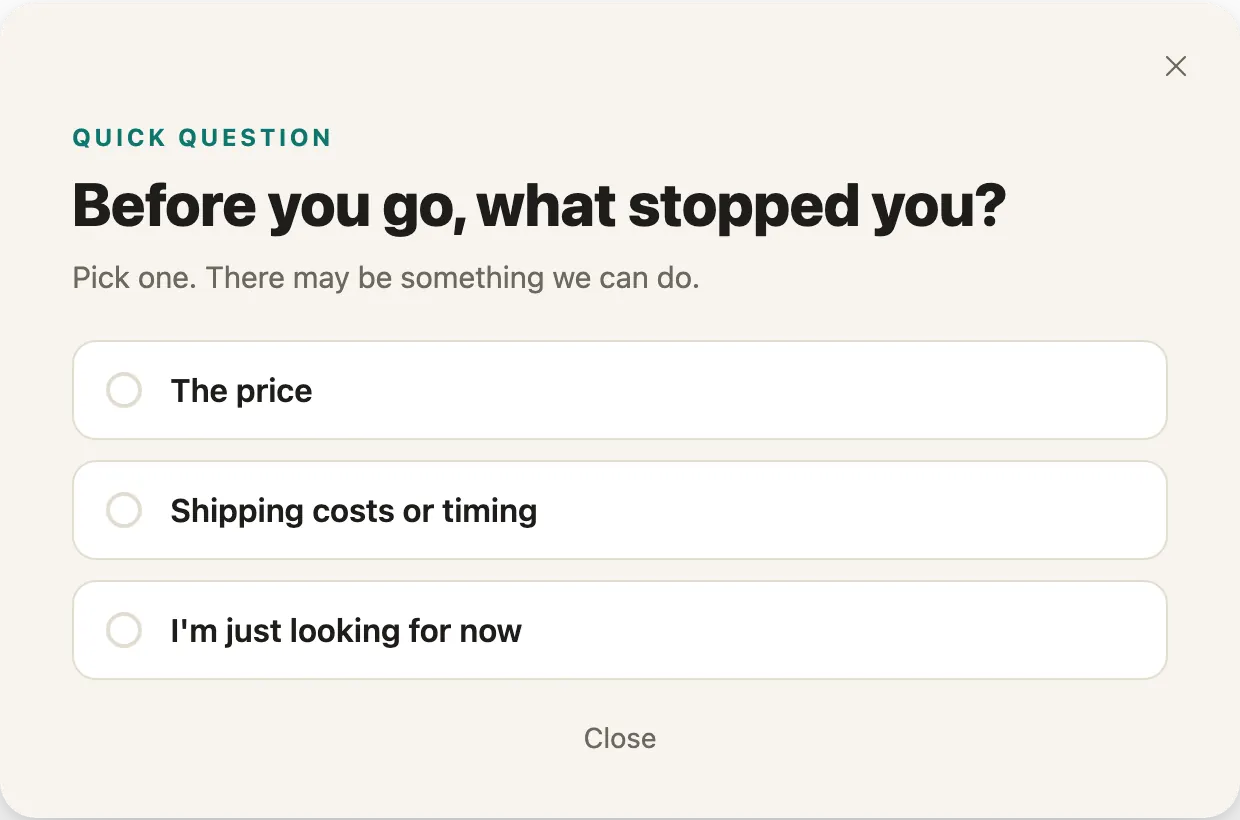
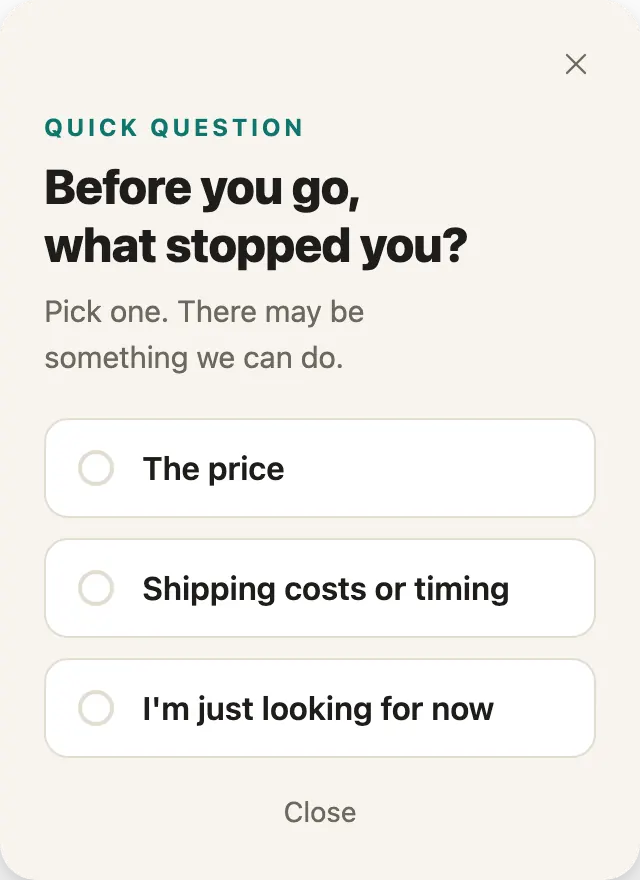
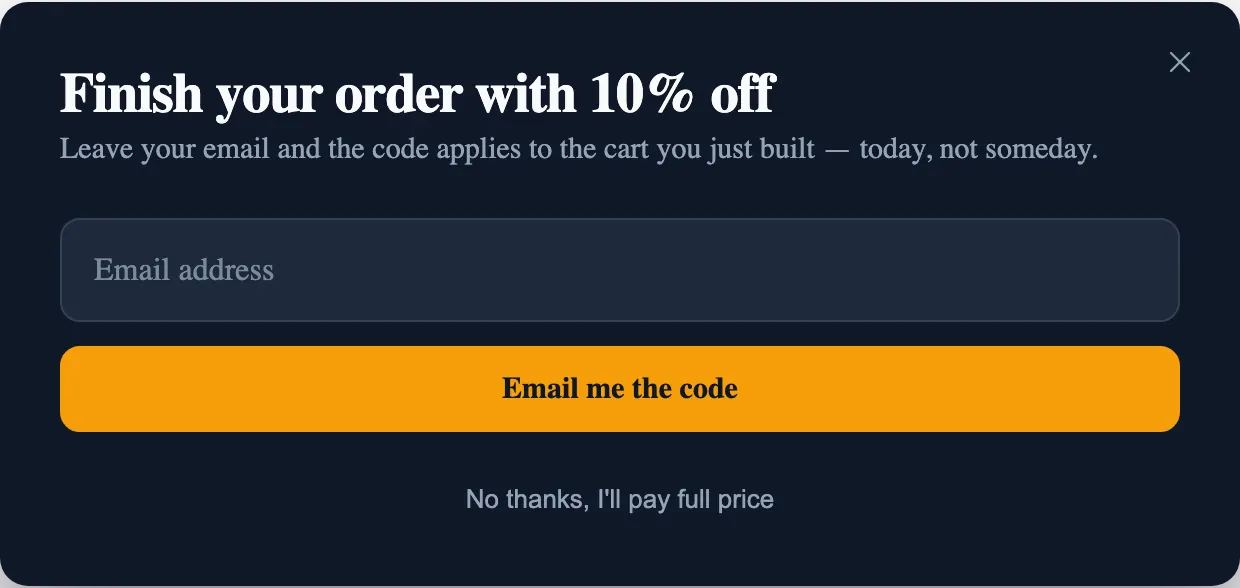
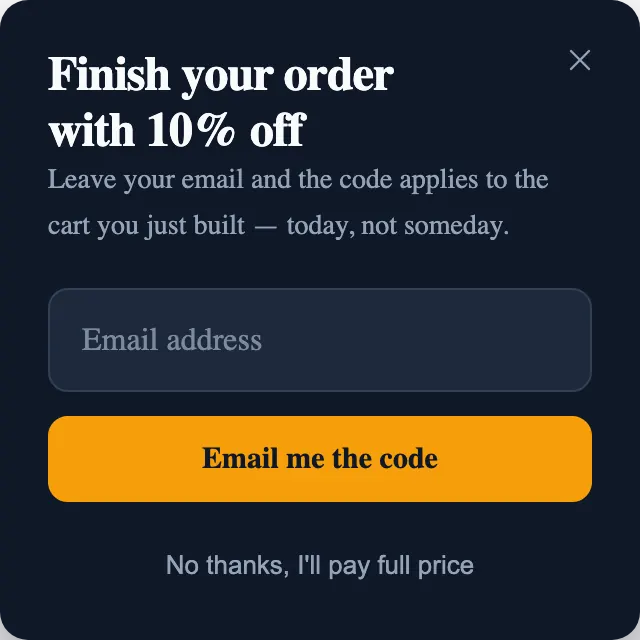
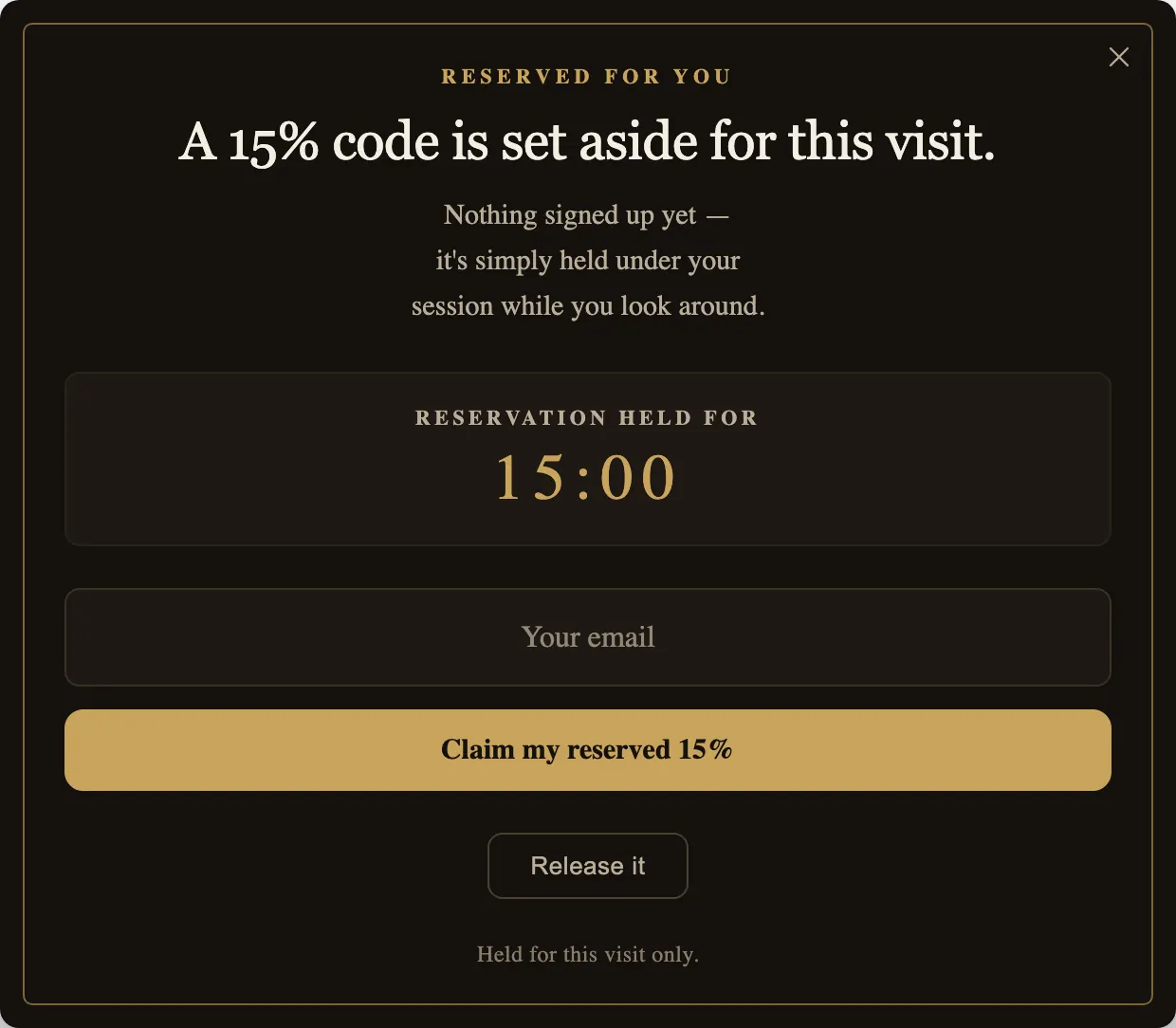
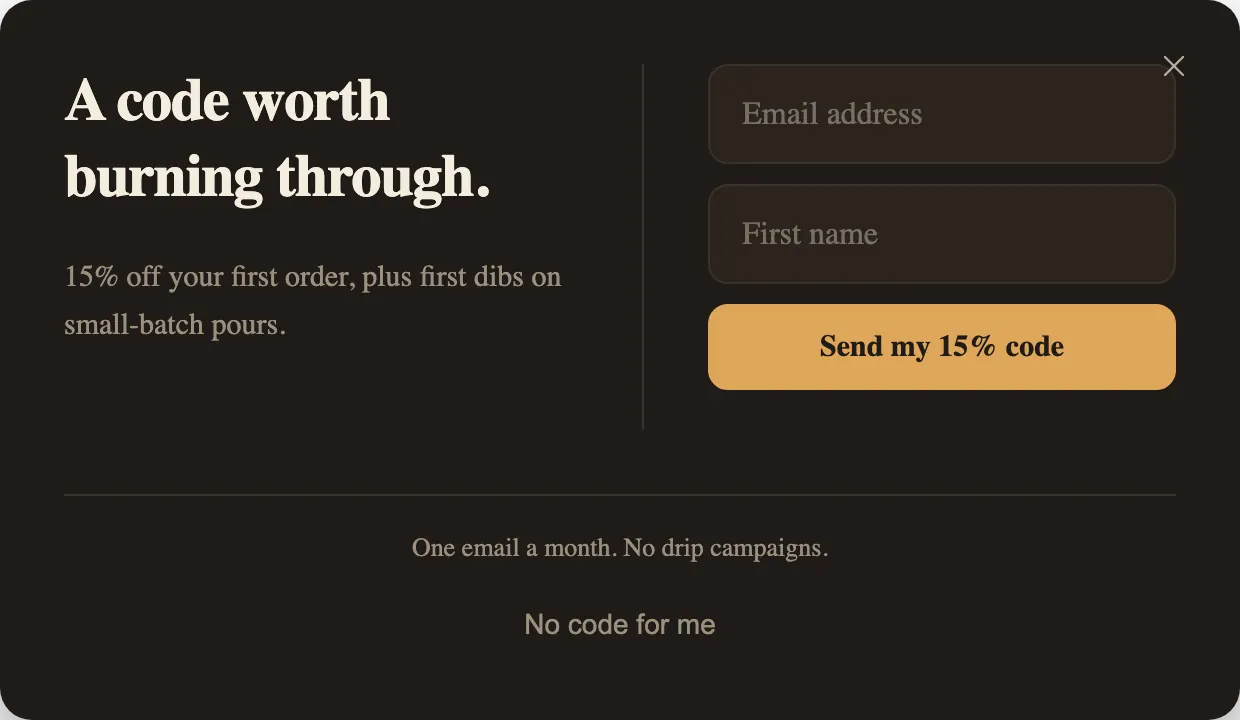
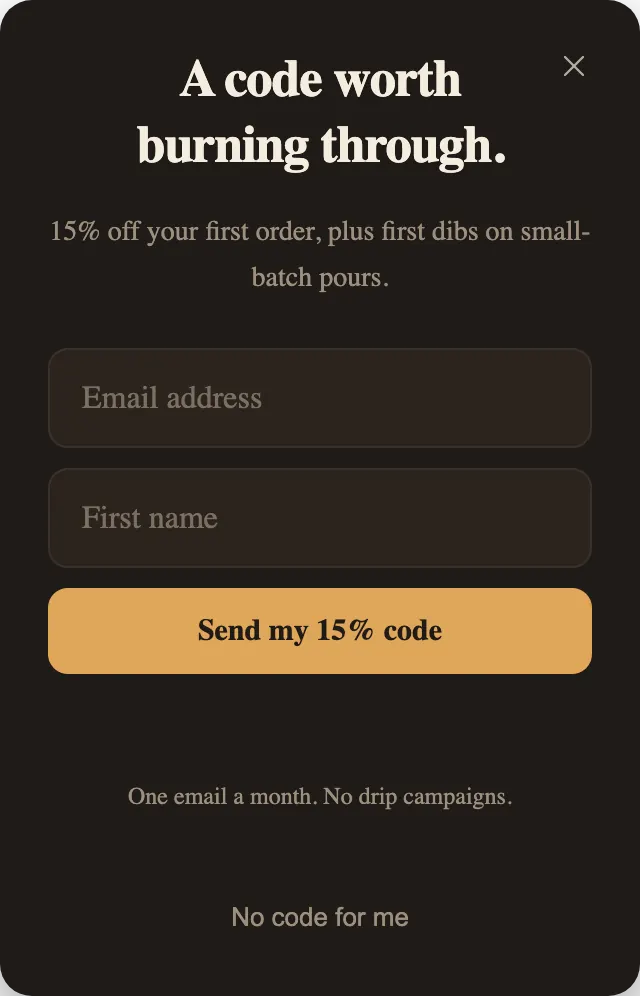
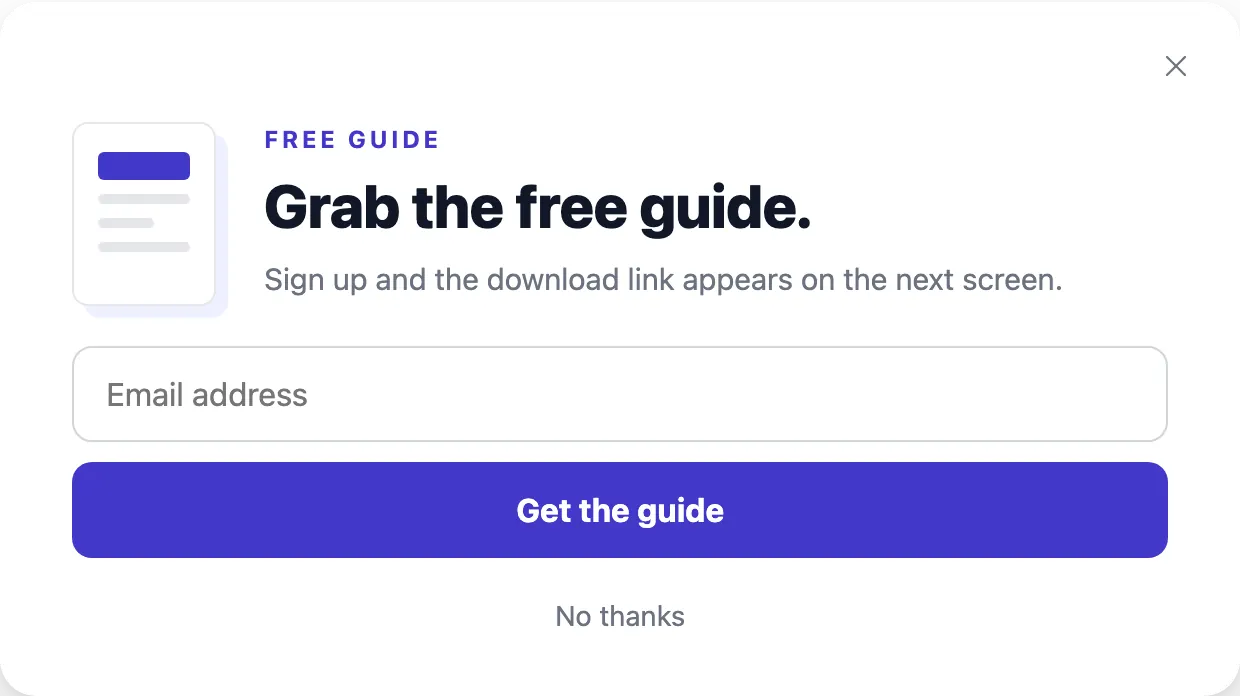
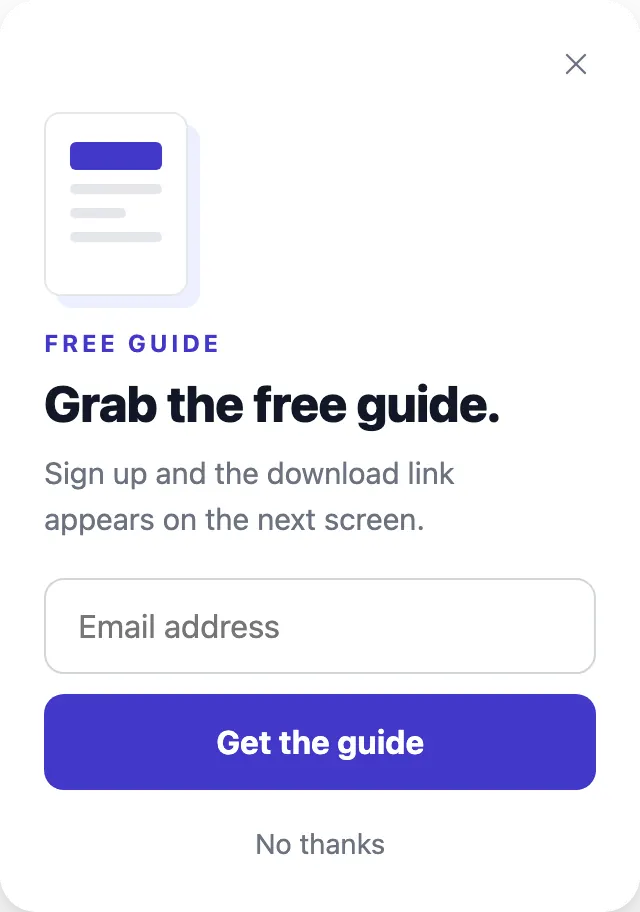
- The headline is the whole pitch: “Finish your order with 10% off”, “Before you go, what stopped you?”. Nobody reads a paragraph on the way out.
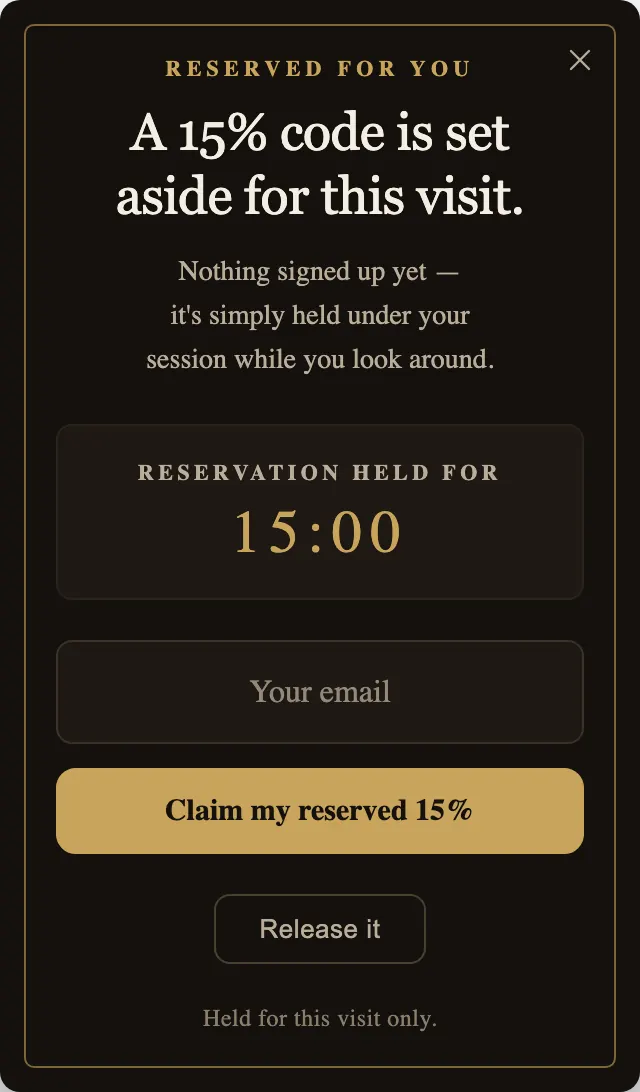
- There is one main button, and its label is the outcome: “Email me the code”, “Claim my reserved 15%”.
- The way out is visible and polite: “Release it”, “No thanks, I’ll pay full price”, “Close”. A hidden close button turns a last offer into an obstacle.
Match the offer to who is leaving
Someone leaving with items in the cart and someone leaving the first page they saw want different things. In the Shopify app, the templates carry the condition that fits: Cart Rescue Code is set to show only when the cart holds at least one item, while First Flame and Reserved for You are set for an empty cart. Conditions need a paid plan.
On a website there is no cart to check, so conditions are not added. Use Visibility instead: show the cart offer on your product and cart pages only, and the welcome code everywhere else. Or rewrite the line that assumes a cart, such as “the cart you just built”, so it is true on every page the popup appears on.
Exit Survey takes a different route. It asks what stopped them and lets the answer pick the next step: a code for price, a shipping page for delivery questions, new arrivals for browsers. It is a good choice when you do not know why people leave and would rather find out than guess with a discount.
Copy and frequency
Write the exit line as a statement of fact, not a plea. “A 15% code is set aside for this visit” tells the visitor something useful; “Wait! Don’t go!” tells them nothing. If there is a clock, make it match a limit you really enforce.
Show it sparingly. Exit intent already fires at most once per page; “Show once per visit” in the popup’s frequency settings stops it from following a visitor across every page they open. Someone who declined once has given you an answer.
Codes and links are yours
Each template ships with an example code, such as SAVE10, RESERVE15 or WELCOMEBACK. PopupGenius does not create discount codes or change your discount settings: create the code where your shop handles discounts, then enter it in the popup. Exit Survey’s shipping and new-arrivals buttons need your page addresses in each step’s Button link field; until then, they close the popup.
More on the feature itself: How exit-intent popups work in PopupGenius.